
How to load more results and export CSV or Excel
Amplie a amostra e leve os registros para uma planilha, conferindo quantidade, filtros, horários e campos exportados.
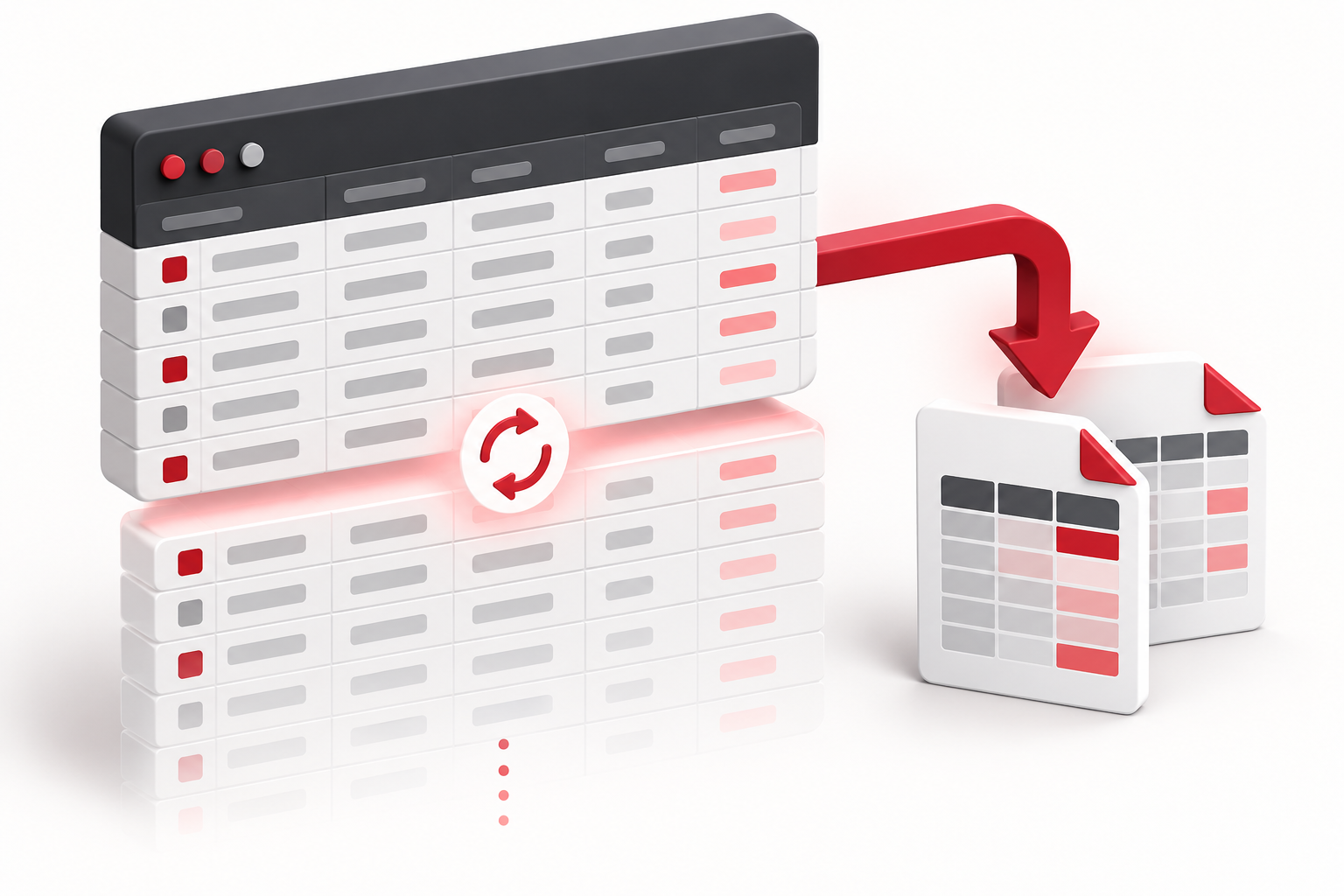
The buttons below the grid allow you to expand the loaded history and export your sample. They are useful for checking records outside the application, creating your own tables, or saving a snippet for documentation.
Expand the loaded set
Click Load more and wait for completion. The button is disabled during loading to prevent simultaneous requests from the same control. Each call accepts up to 500 records; this does not mean that every call will return this amount.
The volume depends on the query and the available records. If filters are active, check the criteria before continuing. Requesting a larger quantity in the form does not remove the per-call limit.
Choose the output format
Open Export and choose CSV or Excel. The common export uses the loaded results. It does not automatically query the entire stored history nor guarantee that the desired period is complete.
Columns vary depending on the game. After opening the file, check headers, number of rows, numeric values, and times against some entries in the grid. In CSV, the spreadsheet program may require selecting comma as the separator and adjusting date or decimal interpretation.
Document the context outside the file
Save a note with platform, game, filters, and the time of export. This information helps explain why two exports made at different times do not necessarily contain the same rounds.
To export only a segment, log in, select the endpoints in the lab, and use the CSV of the selection. This file is a specific output, different from the full grid export. If a column comes empty or does not match what the screen shows, preserve the file and report the example via contact, without filling in the data by assumption. The export guide gathers related controls.
