Tools
Results replay
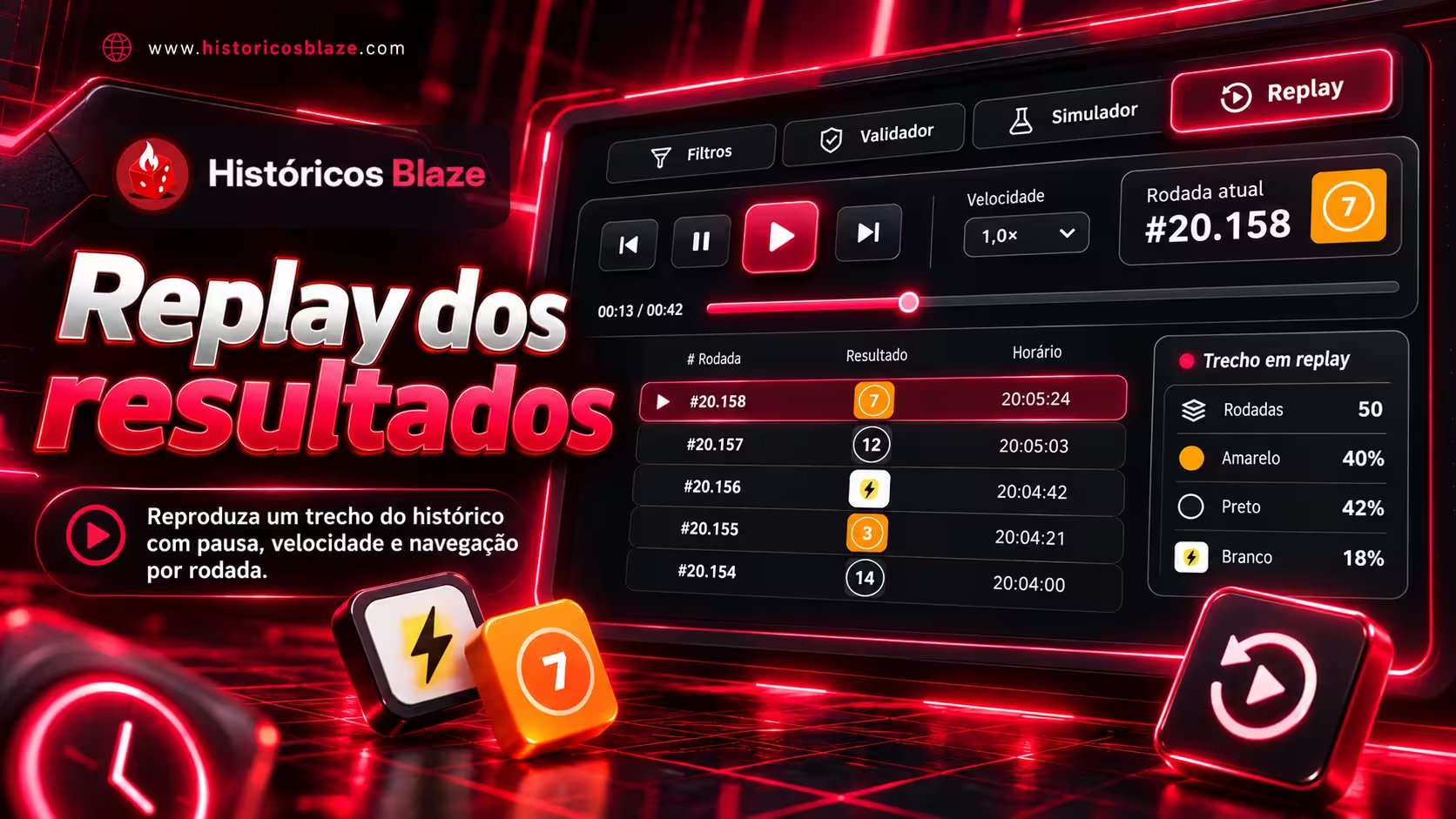
Replay a historical sample with pause, speed controls and round navigation.
How to use it, step by step
- Sign in and open the Replay tab. The tool is free by default; if paid mode is enabled, use View plans to acquire access with credits.
- Opening Replay loads the latest 300 rounds. You can choose 100, 300, 1,000 or 3,000, or enter a start and end in Brasília time and click Load period. An empty end uses the time of loading.
- Press Play and choose 1×, 2×, 5×, 10×, 30× or 60×. At 1×, intervals follow the recorded timestamps. Pausing lets you continue from the same point; playing after the end restarts the sample.
- Use the buttons to go to the first, last, next or previous round. Drag the timeline, use the arrow keys while it is focused, or click a round in the history. Navigating manually pauses playback.
- Follow the current round, its time, and counts and percentages for the replayed portion. Future rounds in the sample are excluded from these statistics. A dash under Rounds since means the event has not appeared in this portion yet.
- Previous and next shortcuts find white/Panda in Double/Fortune Double, Ferrari in Car Roulette, multipliers of at least 10× in Crash, or bonuses in Crazy Time. Random position takes you to a round in the loaded sample.
- Switching tabs or hiding the window pauses playback. Returning to the tab preserves the sample and position. Changing platform or game, leaving the page, signing out or losing access ends the session. Reload sample fetches the data again.
Good to know
Replay uses a copy of up to 3,000 rounds and does not receive new live rounds. Larger periods show the first 3,000 with a notice. The query includes the start and excludes the end. Your position is not saved to your account; when paid access is enabled, playing or reloading the sample does not consume additional credits.