Visualization
Grid Column
Choose a sequence-based or minute-based layout and adjust how results look.
How to use it, step by step
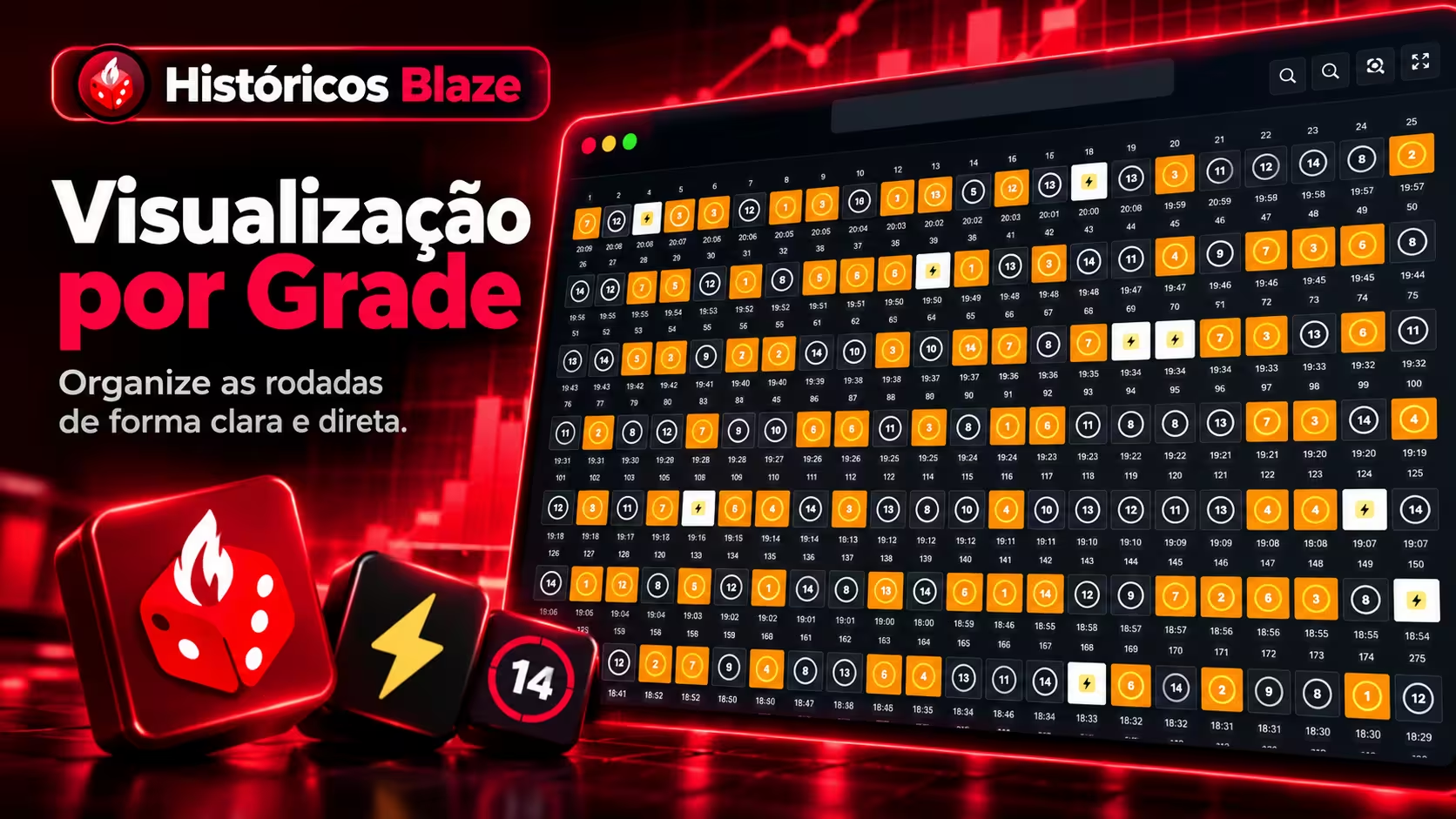
- Open Results view in the results settings. Grid is the responsive, straightforward layout of rounds in sequence.
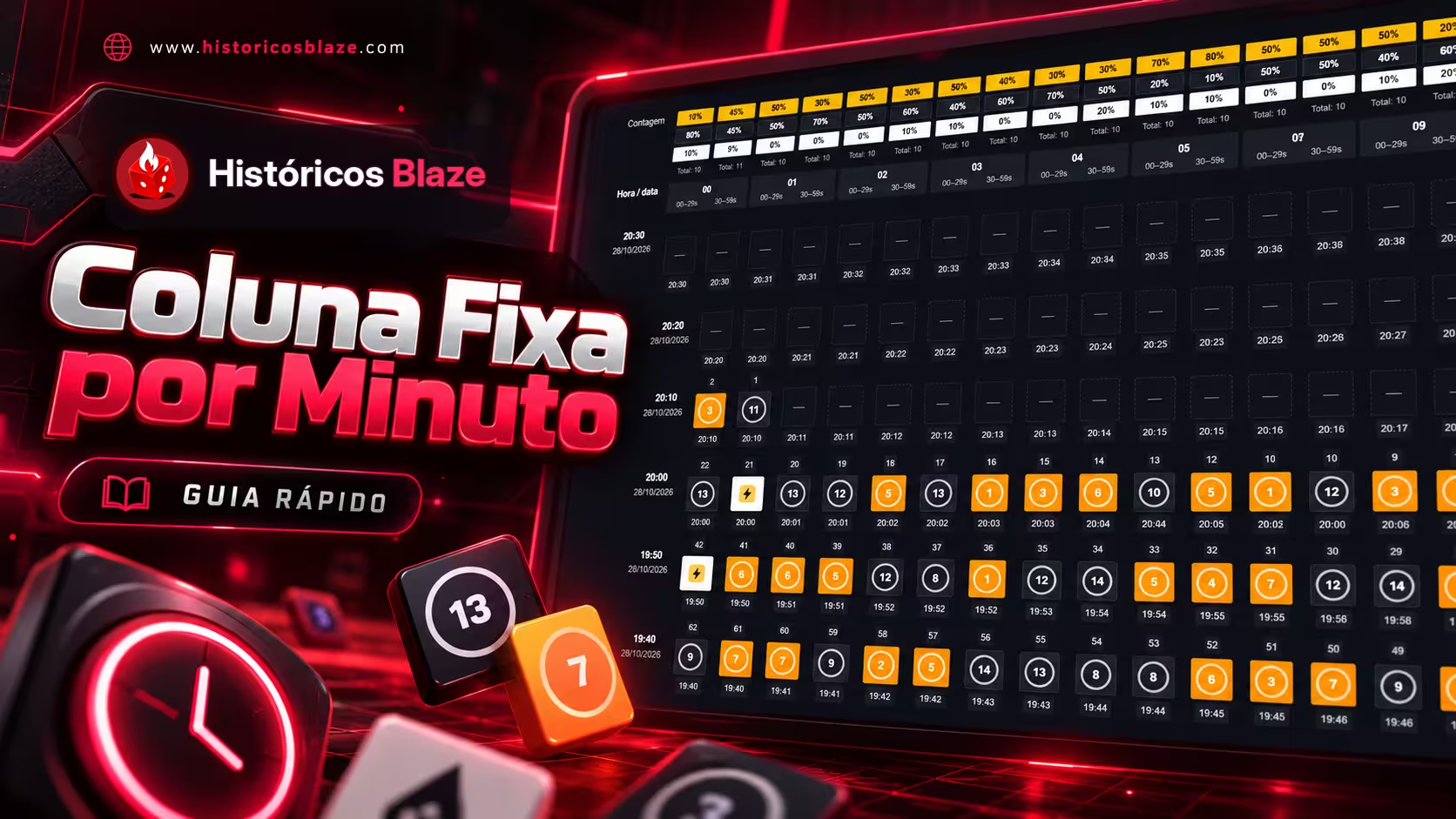
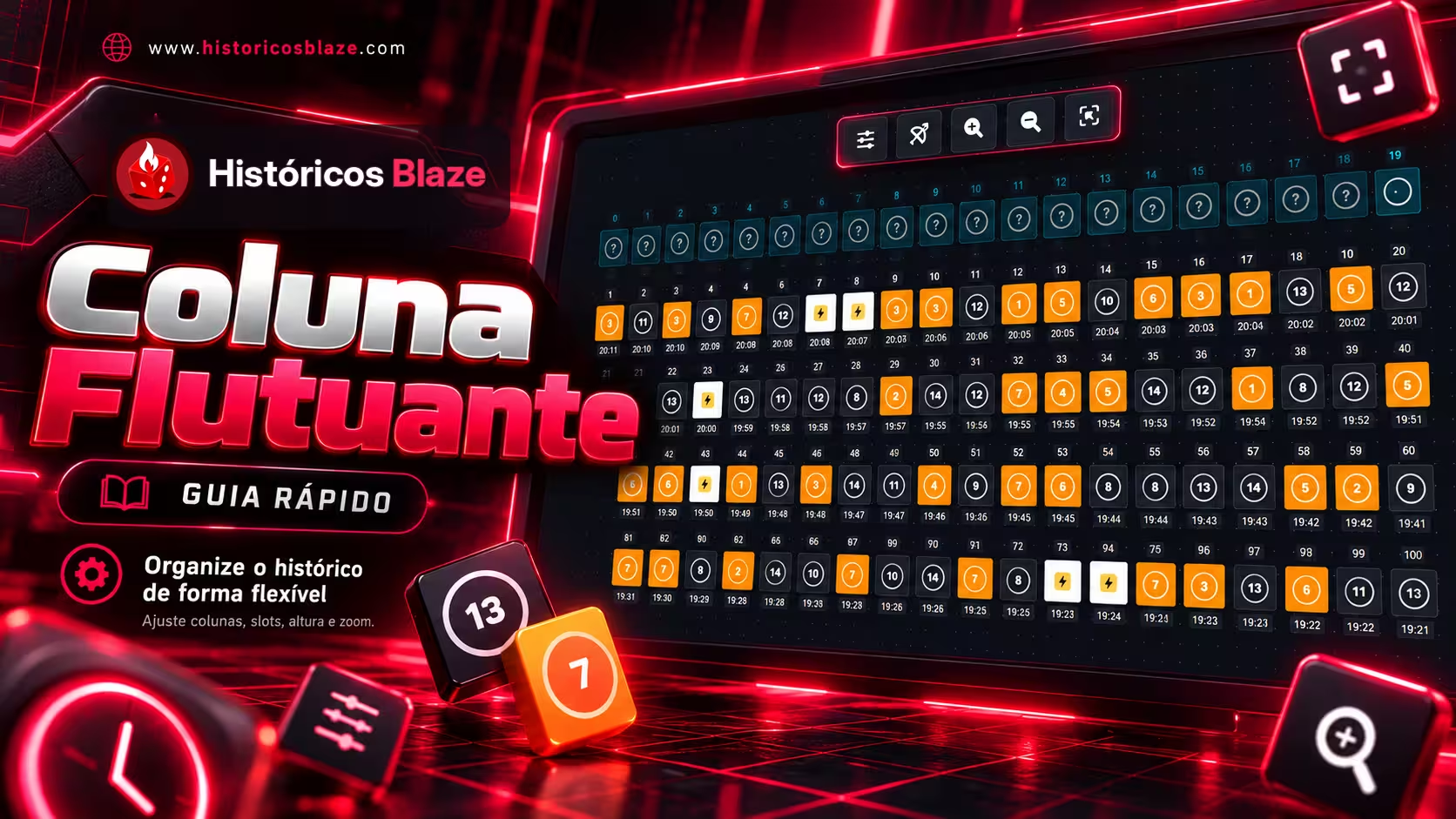
- Sign in to use Floating Column or Fixed Column. Floating Column has adjustable columns, spaces and zoom; Fixed Column is available only for Double and groups times under 00–09.
- Adjust numbering, borders and the display of seconds. Grid and Floating Column allow changing direction; Fixed Column follows time order.
- Use the real-time control to receive new rounds. Multipliers and special effects appear only for compatible games. Your view preference is saved in the browser.
Good to know
The former Fixed Column is now called Floating Column and keeps your preferences. The new Fixed Column organizes results by minute; its guide explains gaps, slot detection and metrics.