
Grid normal: direction, numbering, borders, and result times
Adjust the schedule display and differentiate visual position, result number, and registration time.
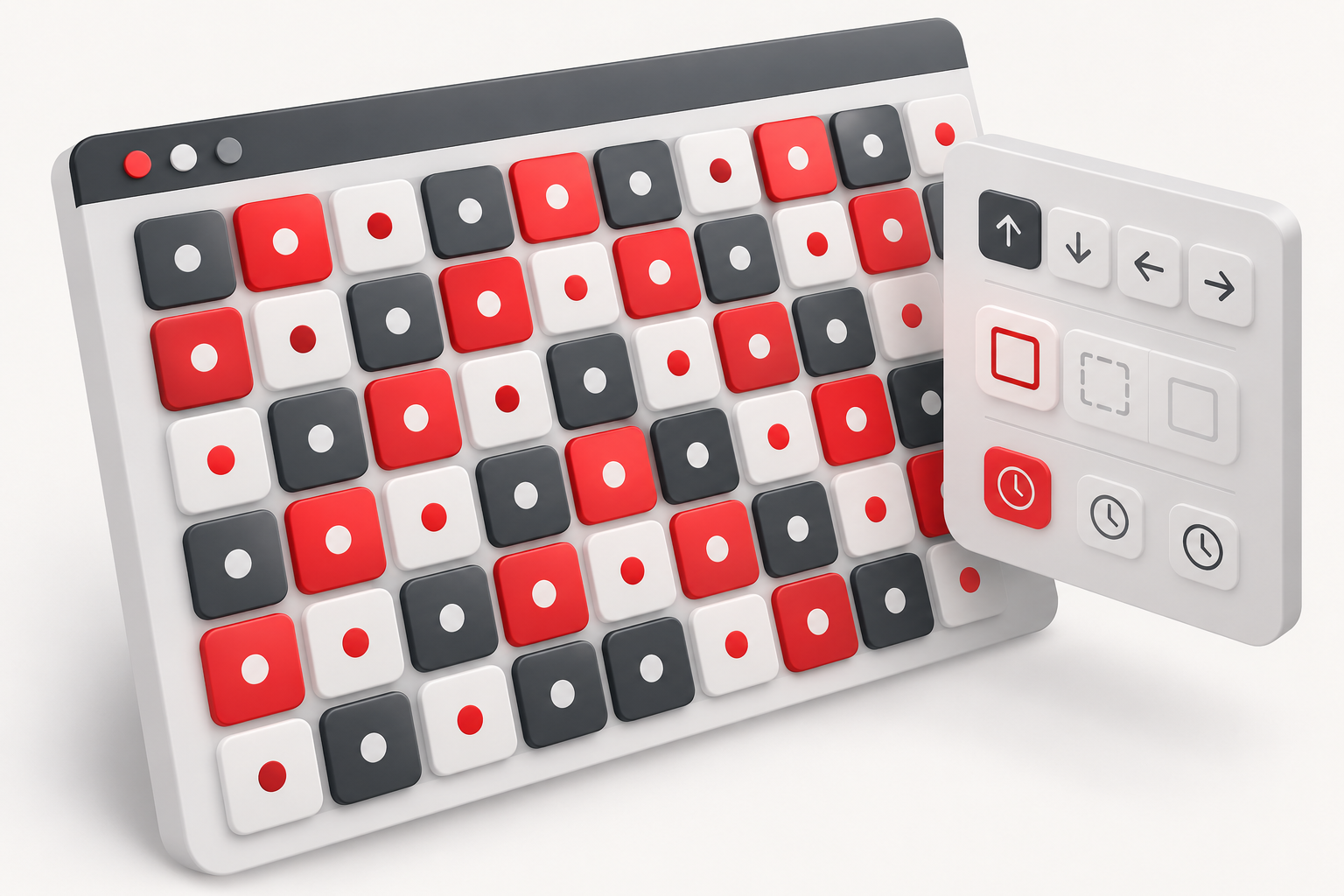
The normal grid displays the rounds in a grid that adapts to the page space. It is the recommended view for direct consultation, especially when you want to recognize numbers and times without working with fixed positions.
Find the settings
Open the gear icon next to the game title. There you will find controls for direction, borders, numbering, milliseconds, and real-time updates. Calculator and Fixed Column appear on the same panel, but activating them requires login.
Change one option at a time and observe the effect. This approach makes it easier to notice whether you have changed the presentation or started using a different working mode.
Separate three different pieces of information
- Result number: round attribute, when the modality provides this field.
- Grid numbering: positional reference in the view.
- Time: moment recorded for that result.
For example, the piece occupying position 12 may show the number 3. This is not an inconsistency: position and result are distinct pieces of information. Use the time to check the temporal relationship between the pieces, especially after reversing the grid direction.
Improve readability on your device
Borders help separate the pieces; numbering makes it easier to discuss positions; milliseconds add detail to the available time. On a narrow screen, reducing visual information can make consultation more comfortable. None of these adjustments modify the source data.
If the grid looks different after a change, review the gear settings before reloading the page. Also check if there is an active highlight or a lab selection, as these controls change the appearance of the pieces. To organize rounds in positions with reserved spaces, consult the Fixed Column guide. Choose the presentation based on ease of reading, without assigning predictive meaning to the visual layout.
