
Car Roulette: Names, Occurrences, Intervals, and Transitions
Consult records by name and examine distance and frequency indicators—but be careful not to confuse an absence within your current sample with an absence across the entire historical dataset.
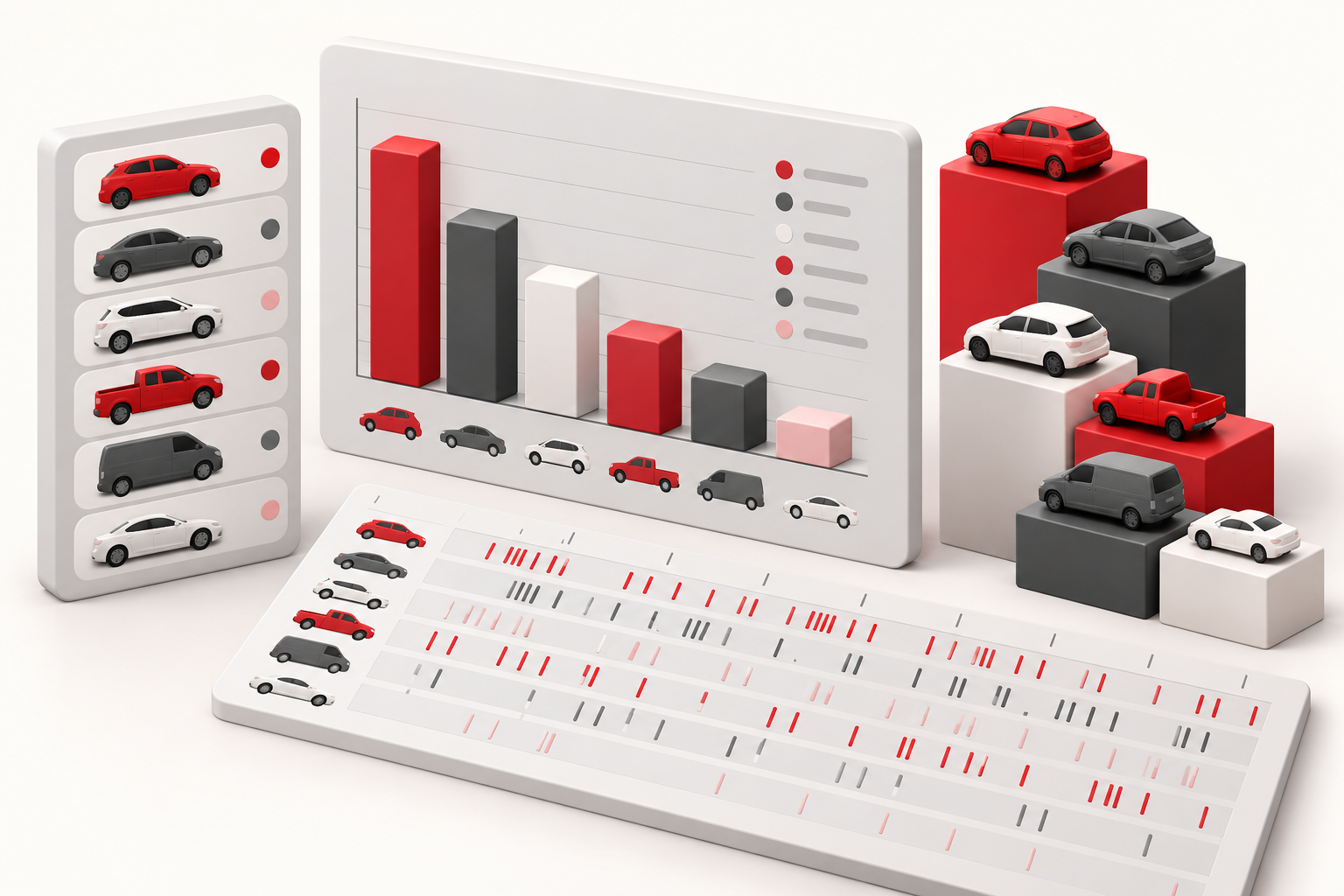
In Car Roulette, the car name is a key attribute for filtering and statistical analysis. This section provides records by name, general indicators, and dashboards covering occurrences, intervals, and transitions. Log in to your account to access protected features.
Use the name as a reference
Check the name displayed for a specific item before applying a filter or creating a rule. The available options include names such as Ferrari, Lamborghini, Maserati, and Porsche, among others featured in the application. When defining a text-based rule, ensure you use the exact spelling shown in the records.
To identify similar items while maintaining context, use the "highlight by name" feature. You can also use filters to focus on a specific name or time period—though keep in mind that such a selection may omit intermediate rounds.
Understand intervals by vehicle
The dashboard aggregates occurrences, current absence, and metrics for completed intervals. The distance between appearances is measured by the difference in positions; two consecutive appearances result in an interval of one round.
If a car has appeared only once within your sample, there is no pair of occurrences from which to calculate an average or median interval. If a car has not appeared at all, the "absence" figure shown is limited to the scope of the currently loaded dataset—it does not represent a count based on the entire historical database.
Compare transitions using the correct timeframe
Transitions describe names that appear in sequence within the analyzed dataset. Before comparing these to general indicators, verify that both datasets cover the same scope. A specific occurrence found in the history and a frequency calculated on the screen may be based on different data subsets.
For a reproducible review, select a specific range in the laboratory, export the data as a CSV, and document the filters used. Verify that the fields in the exported file match those in the interface—paying particular attention to the vehicle name. Use the differences as points to check your data, rather than as an automatic indication of the next car. The reference guides explain the controls shared across different modes.
