
Platform chat: responses, reactions, and user blocking
Join the conversations with context, use the interaction options, and manage blocks through the chat panel.
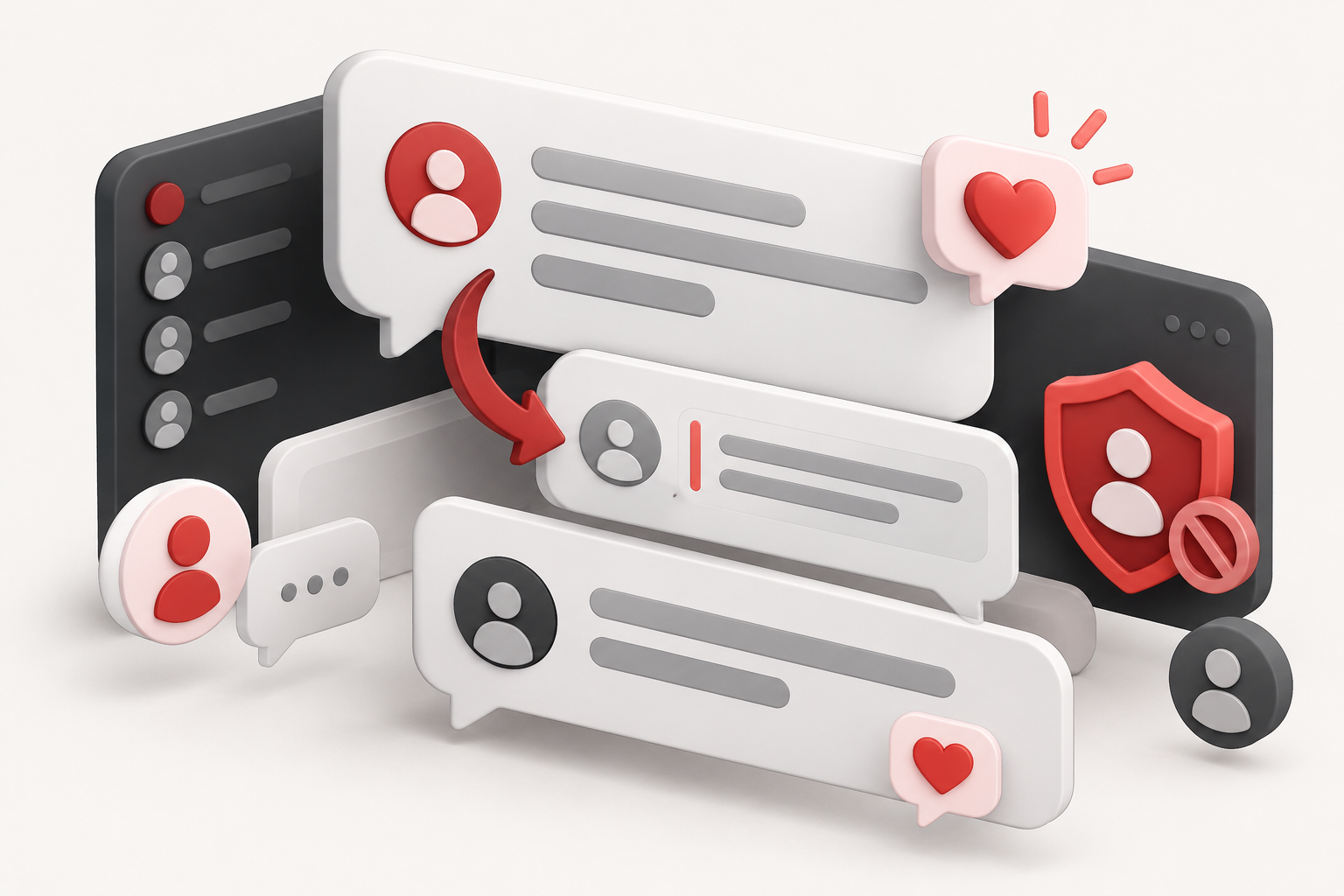
The chat allows you to converse with other users while consulting a platform. Log in to your account and check the room context before sending a message. Your identification uses the information available in your profile.
Send messages with context
Describe the tool and the period you are referring to. Instead of just writing “the number is wrong,” specify the game, the indicator, and the observed time. This makes the conversation useful for those viewing another section of the history.
The chat has controls to reply to a message and add reactions. A reply preserves the reference to the discussed content; a reaction allows you to acknowledge a message without opening a new one. If you don’t want to continue a reply, cancel the reference before sending a different topic.
Manage unwanted interactions
Use user controls to block an account when you need to limit your view of interactions. In the chat settings, open the blocked list to review and undo blocks.
Personal blocking is not equivalent to a moderation decision for the entire community nor does it automatically delete content from the database. Changes in message availability can also affect the reference of replies linked to it.
Adjust the panel and protect your data
The settings offer width and height adjustments to fit the conversation on your screen. If there is a temporary sending restriction, wait before trying again; repeated sending attempts may hinder reading and cause duplicated intents.
Do not post passwords, recovery links, personal data, or third-party information. For problems requiring support, use the contact form, without relying on someone being present in the room. Messages and reactions express users’ opinions, not statistical validation or confirmation of future results. The chat guide gathers the path to get started.
