
Guides, preferences, and support: how to resolve questions in the application
Find instructions by topic, review display preferences, and submit issue reports with information that helps reproduce them.
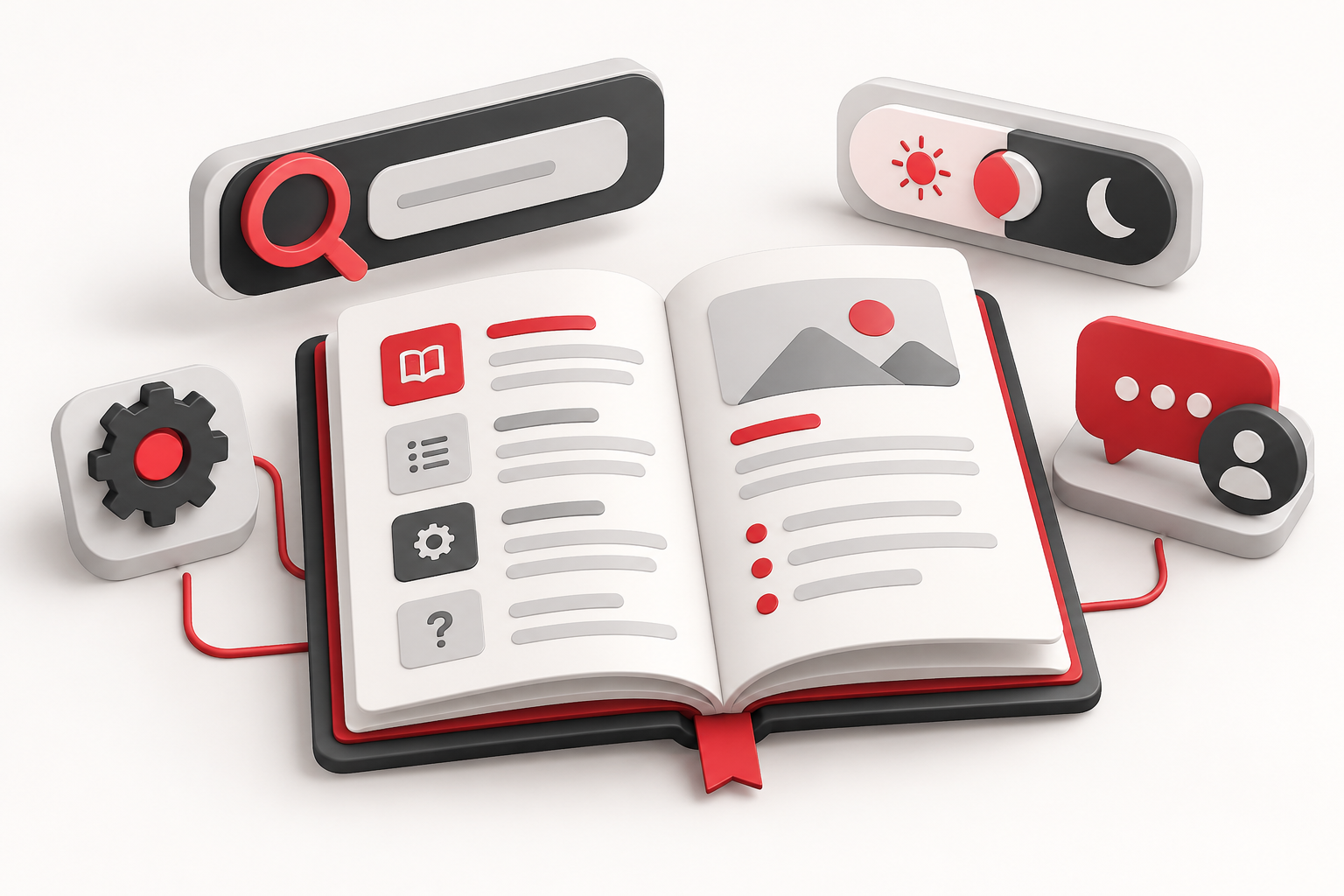
When a tool doesn’t behave as you expected, the first step is to identify the context. Platform, game, session, filters, and view mode influence which controls appear. The application offers public guides and a contact channel to assist with this check.
Use the guides as a map of the interface
Open the Guides. The page allows you to search terms, filter categories, and expand instructions. Each item indicates where to find the feature, how to use it, and what limitations to consider. The login icon indicates the feature requires a session, although the guide remains public.
Example links lead to the related area. If the example opens a different game than the one you use, apply the instructions to the compatible controls of your mode, without assuming all fields will be identical.
Check preferences and active modes
An inverted direction, visual highlight, or Fixed Column might explain a different appearance. In the lab, selection mode changes the click action; the replay hides the live area. Before reporting a failure, check these states and try exiting the current mode using the tool’s own controls.
In the header, the language selector offers Portuguese and English, and the theme button toggles between light and dark appearances. Changing the interface language does not imply automatic translation of blog articles. The side controls allow collapsing or opening panels according to available space.
Some preferences reside in the browser. Clearing data can remove notes and local settings, so it should not be your first step. When necessary, preserve notes and files before clearing.
Submit a reproducible report
In the contact, describe the steps taken, what you expected, what occurred, and relevant times. Include the browser and device type. Avoid sharing credentials or unnecessary personal data.
The blog organizes readings by categories and offers pagination. The RSS feed collects up to 20 recent posts to follow in a compatible reader; it is not an archive of all articles. The terms and privacy policy are accessible in the navigation. For usage questions, combine the specific guide with a concrete example: this is often clearer than a generic description like “the tool doesn’t work.”
